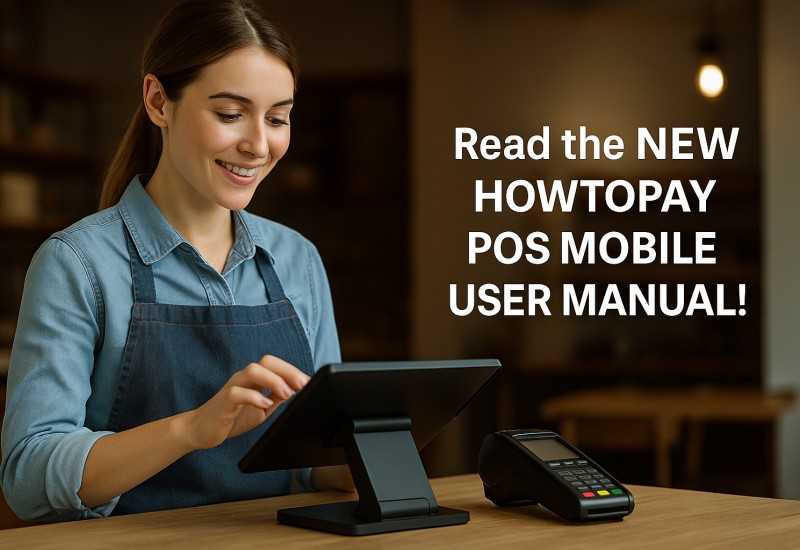
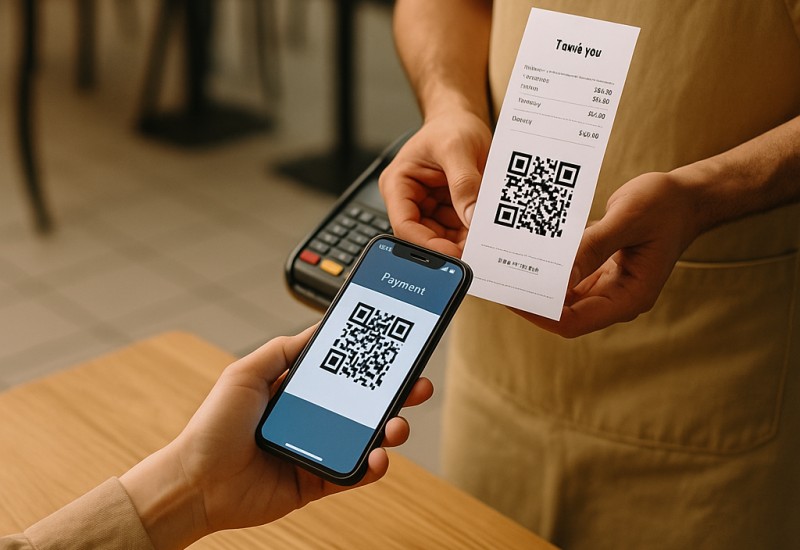
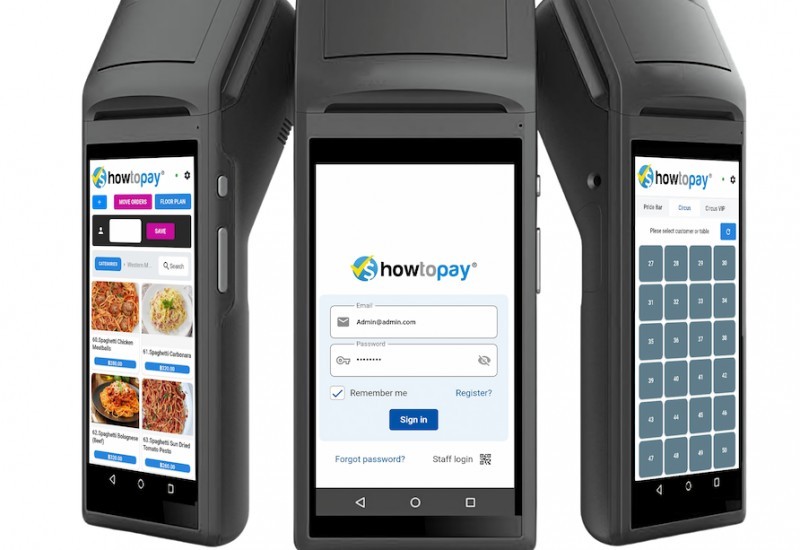
HowToPay POS is an advanced, easy-to-use system for all platforms, including Android, Windows, and Apple devices. Fully web/cloud-managed, it allows remote monitoring, setup, and updates within minutes. Our 24/7 support team can help you add menu items, make changes, and get started fast. With full kitchen support and no limits on items or terminals, it’s built by restaurant, bar, and retail owners to meet modern business needs. Our global development team continuously adds new features based on client feedback every week.


Built-in POS capabilities


Confidia Limited, a public company trading "HowToPay.com," was established in Australia in 2020. Confidia Limited owns the HowToPay brand.
Tools designed to fit your store, workflow, and growth.

Track sales, manage stock levels, and keep your store running smoothly in real time.


View sales performance, track trends, and make better business decisions with clear reports.

Manage staff access, roles, and permissions to keep daily operations organized and secure.

Automatically calculate taxes and generate accurate receipts for every sale.

Protect your sales data with a stable system designed for daily store operations.

Analyze sales trends and use data to plan stock and business growth more effectively.

Our POS is designed to match how your store actually operates, not a one-size-fits-all system.

Every transaction, receipt, and tax calculation is handled accurately and consistently.


Manage sales and stock levels in real time to keep your store running smoothly every day.

Handle products, prices, and multiple locations easily from one centralized system.

View sales performance, track trends, and understand your business with clear, actionable reports.

Protect your sales data with a stable system built for daily, real-world operations.

Automatically calculate taxes and generate accurate receipts for every transaction.

A simple and intuitive interface that helps your staff start selling with minimal training.


Our POS is built to support daily store operations with reliable features, practical tools, and real-world usability.

Built-in POS features

Daily active usage by stores

Core POS functions
We build POS tools that help stores sell efficiently, manage operations easily, and grow with confidence every day.

Built-in POS features
Getting started with our POS is quick and straightforward. Follow these simple steps to start selling with confidence.
Create your store, add products, set prices, and configure basic settings to match how your business operates.
Begin processing sales, issuing receipts, and tracking inventory in real time with an easy-to-use POS interface.
Monitor sales performance, review reports, and use insights to improve operations and grow your business.
Choose the plan that fits your business.
*Micro-merchants, food stalls, small shops*
*(Free if processing ≤ USD 1,000/month via HowToPay Gateway)*
Payment Gateway: Free if using HowToPay Gateway. Paid if using third-party gateways (Stripe, Omise, etc.)
*Cafés, small restaurants, mini-marts*
$4.99 - $14.99 / month
*(Free if processing ≥ USD 1,000/month via HowToPay Gateway)*
Add-ons: Delivery module, QR ordering, marketing automation, AI reports ($4.99 - $14.99/month)
*Franchises, hotels, and chains*
$4.99 - $14.99 / month
 No long-term contract
  No hidden fees
  Cancel anytime


100+ Client 5.0 (250 Reviews)


30+
Getting started with HowToPay POS is quick and easy. Simply create your account and explore the system using sample items to understand its features. Once you’re ready, our local support team will assist you with setup or data migration — completely free of charge.
Yes. Experience HowToPay POS firsthand with a live demo or sign up for a free 7-day trial to test all features before you decide.
HowToPay POS works seamlessly across tablets, computers, and mobile devices — compatible with Android, iOS, Windows, and web browsers.
We provide free local setup assistance, online support, and training resources to help you get the most out of your system.
Store owners choose HowToPay POS for its ease of use, reliable performance, and features that make daily operations faster and clearer.


"HowToPay POS made our checkout faster and easier. Staff learned it quickly, and the sales reports help me understand what’s selling every day."

"We use offline mode when the internet is unstable, and it still keeps sales running. Inventory tracking is a big help—less mistakes and less time wasted."

"Multi-terminal setup is smooth, and multi-location management makes it easy to track performance across branches. Reports are clear and actionable."